By Steve Raju
For UX and Product Designers
Cognitive Sovereignty Checklist for UX Designers
About 20 minutes
Last reviewed March 2026
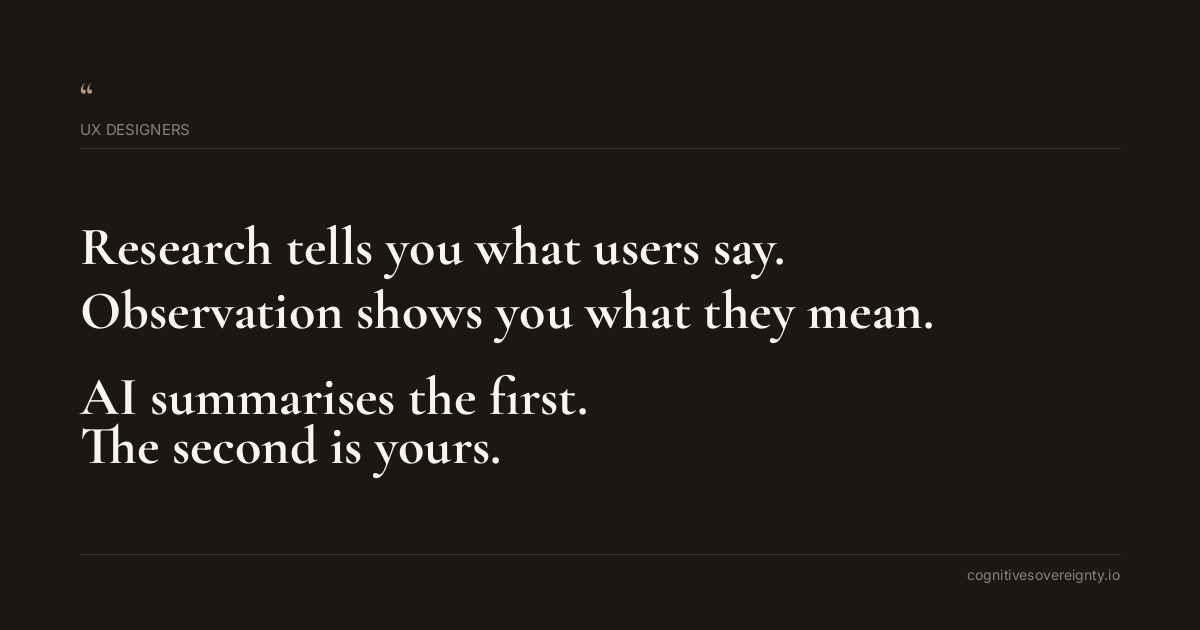
When you use ChatGPT to summarise user interviews or Dovetail to cluster insights, you outsource the friction that teaches you about your users. When Figma AI suggests interaction patterns, you can skip the hard thinking about whether those patterns fit this specific context. The cognitive risk is simple: you start designing for the users that AI models imagine instead of the users you actually met.
Tool names in this checklist are examples. If you use different software, the same principle applies. Check what is relevant to your workflow, mark what is not applicable, and ignore the rest.
These are suggestions. Take what fits, leave the rest.
Tap once to check, again to mark N/A, again to reset.
Protect Your Direct Contact with Raw Research Data
Read every interview transcript before you read any AI summarybeginner
AI summaries compress data into clean categories. They remove the moments when users contradicted themselves, hesitated, or said something that seemed small but changed your thinking. Those moments are where real insight lives.
Write down what surprised you before you ask AI to find patternsbeginner
Surprise is a signal that your assumption was wrong. Once you list what genuinely confused or moved you about the research, you have anchors for questioning whatever patterns the AI suggests.
Record one specific quote from each research session that changed your understandingintermediate
Direct quotes preserve the person behind the data. When you return to them later, they remind you that you are designing for someone real, not for an average user that never existed.
Use Dovetail or Maze AI to find patterns, not to replace your own readingintermediate
These tools are useful for speed. They become dangerous when you treat their output as the research itself. Always check the original clips and quotes that the tool selected to see if you agree with the grouping.
Ask your research team to highlight contradictions before they use AI clusteringadvanced
People often disagree about what a user needs. That disagreement is valuable information. If AI smooths over it in the name of consistency, you lose access to real complexity.
Create a separate document for research findings that AI tools missedadvanced
After you see the AI output, go back to the raw data and identify insights that did not fit the tool's categories. This teaches you how the tool shaped what you noticed.
Question Design Patterns Before You Apply Them
Write down why you are using a pattern before you implement itbeginner
When Figma AI recommends a card layout or Adobe Firefly suggests an interaction, force yourself to articulate the actual user problem it solves. If you cannot explain it in plain language, you are pattern borrowing, not problem solving.
Test whether the AI recommended pattern actually matches your user researchbeginner
A design system pattern may be accessible and efficient. It might still be wrong for your specific users and their specific context. Your research is the source of truth, not the pattern library.
Document one reason the recommended pattern might not work for this userintermediate
AI suggestions come with confidence and no doubt. Build doubt into your process. For every pattern you are considering, write down one genuine risk or mismatch you can see.
Ask users to respond to AI generated wireframes, not to finished designsintermediate
Low fidelity prototypes made with Figma AI are fast. They can prevent you from testing early because they feel done. Test rough versions and let users challenge your thinking before you invest in refinement.
Reject patterns that solve a different user problem than yoursintermediate
Many design patterns emerged from mobile apps or attention economy contexts. If your users are not in that context, the pattern may optimise for the wrong thing. Recognise which assumptions are baked in.
Keep a record of patterns you rejected and whyadvanced
Over time, this record shows you which AI suggestions consistently miss the mark. It teaches you how to weight the tool's recommendations against your own knowledge.
Trace each design pattern back to the user need it originally addressedadvanced
Good patterns come from solving real problems for real people. If you cannot trace a pattern back to its original context, you are using it by habit, not by principle.
Preserve Your Ability to Sit with Ambiguity
Schedule time to sit with contradictory user feedback before you ask AI for synthesisbeginner
When half your users want simplicity and half want control, that is not a problem to solve with AI averaging. It is a design question that requires your judgement about which users matter most in this context.
Notice when you feel relief using an AI summary instead of sitting with messy dataintermediate
That feeling of relief is a warning sign. You are about to skip the uncomfortable part where your real learning happens. Stop and sit with the mess a bit longer.
Create design sketches by hand before you use Figma AI to generate optionsintermediate
Your hand sketches capture your actual thinking, including the half formed ideas and mistakes that lead somewhere. AI generation skips this generative struggle and moves straight to polished outputs.
Write the problem statement yourself before you show it to AIintermediate
If you ask ChatGPT to help you frame a design problem, you get a reasonable problem. If you struggle to frame it yourself first, you discover what you actually do not understand about your users.
Spend one full day designing without any AI assistanceadvanced
This teaches you what your unassisted thinking looks like. It reminds you which parts of design are hard for you personally and which parts AI handles easily. That knowledge protects your judgement.
Ask your team to show you failed designs before they used AI tools on themadvanced
Failures teach you more than successes. If AI tools are generating mostly viable options, you are not seeing the wild ideas or mistakes that might lead to something new.
Five things worth remembering
- When you use Dovetail or Maze AI to code research data, always spot check by reading the original clips yourself. Verify that the tool understood the context the user was speaking in.
- Before Figma AI generates interaction options, write a single sentence about what makes this user group different from average users. Use that sentence to evaluate whether the AI suggestions fit.
- Keep one research insight that contradicts your wireframe visible on your design canvas. Let it challenge your assumptions about what the user actually needs.
- Set a rule: you must talk to at least one user about your design before you ask Adobe Firefly to polish it. Early feedback changes direction faster than refinement does.
- After you finish a design, write down what you learned from your user research that would surprise most designers in your field. That insight is yours alone. Protect it from becoming generic.
Common questions
Should ux designers read every interview transcript before you read any ai summary?
AI summaries compress data into clean categories. They remove the moments when users contradicted themselves, hesitated, or said something that seemed small but changed your thinking. Those moments are where real insight lives.
Should ux designers write down what surprised you before you ask ai to find patterns?
Surprise is a signal that your assumption was wrong. Once you list what genuinely confused or moved you about the research, you have anchors for questioning whatever patterns the AI suggests.
Should ux designers record one specific quote from each research session that changed your understanding?
Direct quotes preserve the person behind the data. When you return to them later, they remind you that you are designing for someone real, not for an average user that never existed.