By Steve Raju
For Graphic Designers
Cognitive Sovereignty Checklist for Graphic Designers
About 20 minutes
Last reviewed March 2026
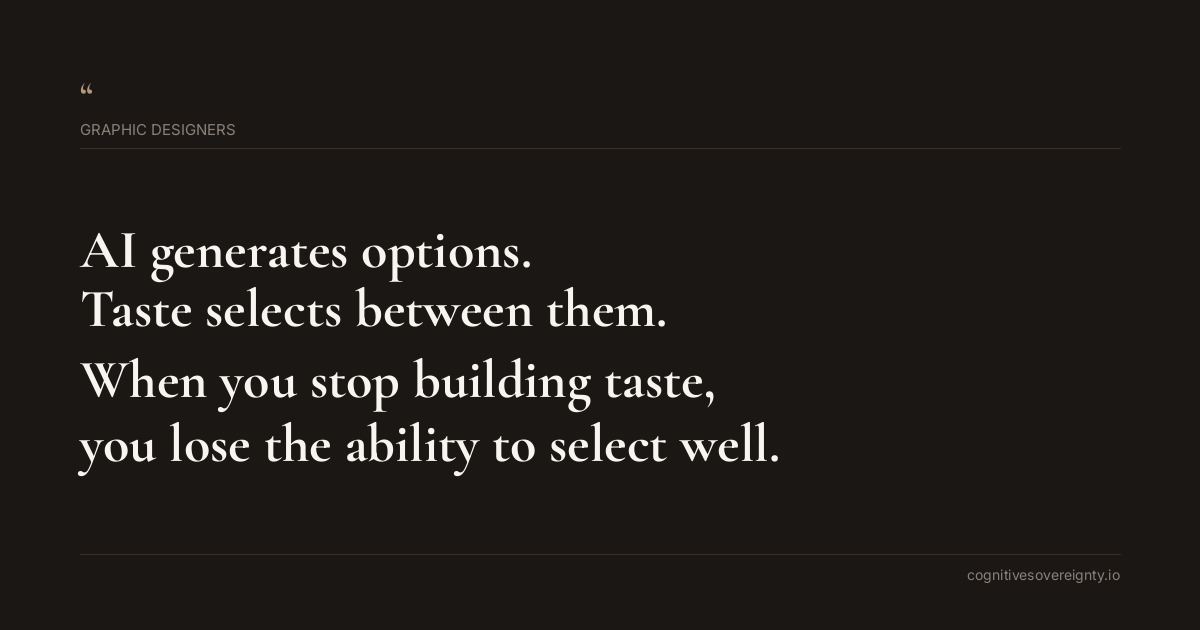
When you use Midjourney or Adobe Firefly, the tool shows you what it generates well. Your eye starts to prefer those solutions because they appeared on your screen. Meanwhile, the conceptual thinking that once justified your fees gets compressed because clients now expect AI-speed answers. The risk is not that AI is bad at design. The risk is that you stop doing the thinking part.
Tool names in this checklist are examples. If you use different software, the same principle applies. Check what is relevant to your workflow, mark what is not applicable, and ignore the rest.
These are suggestions. Take what fits, leave the rest.
Tap once to check, again to mark N/A, again to reset.
Protect the brief interpretation stage
Write out the brief in your own words before opening any AI toolbeginner
This forces you to identify what the communication problem actually is. When you skip this and go straight to Midjourney, you let the AI's interpretation compete with your own understanding of what the client needs.
Document three different design directions before you generate anythingbeginner
Sketch rough concepts on paper or in your design software that show completely different approaches to the same brief. This prevents AI from collapsing your thinking into whichever direction it generates fastest.
Ask the client which brief elements they worry you might misinterpretintermediate
Their concerns reveal what matters most. Use those concerns to steer your thinking away from generic solutions that AI would naturally produce.
Identify the constraint that makes this brief different from similar workintermediate
Every brief has one thing that makes it not like the others. Find it before you generate. AI tools have no way to know what that constraint is because it lives in the specific business problem, not in the visual elements.
Create a visual reference board that rules things out, not just inintermediate
Instead of pinning examples you like, collect work that shows what direction you are deliberately avoiding. This keeps your judgement separate from what the AI tends to generate.
Write a one sentence description of what makes this design successfuladvanced
Not what it looks like. What it does. Does it make the audience trust the brand? Does it signal premium or accessible? This sentence is your anchor when AI outputs tempt you toward style over strategy.
Talk through the brief with a colleague before requesting any AI outputadvanced
Someone else hearing your thinking will spot when you are defaulting to an obvious direction. They will push back on solutions that are safe but forgettable. This conversation is work that the client pays for, even though AI cannot do it.
Manage what AI generates versus what you choose
Set prompts that ask the AI for variations, not perfectionbeginner
If you ask Firefly for a polished result, you get one answer that looks finished. Ask for rough explorations instead. This gives you material to think with, not answers to accept.
Generate images for only one of your three directionsbeginner
Do not let AI help you with all directions equally. Use it to develop one path while you push the others manually. This stops all three concepts from converging toward what the AI does well.
Rate each AI output against the brief, not against how polished it looksintermediate
Polished is free now. What matters is whether it solves the communication problem. If a rough concept does the job better than a finished render, the rough one wins.
Redesign at least one AI-generated element by handintermediate
Take something the tool produced and redraw it yourself. You will immediately notice how AI defaults to certain proportions, curves, and compositional habits. Your redesign breaks those habits.
Ask what the AI output is doing that you did not ask forintermediate
Every generative tool adds visual assumptions. It might add texture, adjust saturation, or favour a specific depth of field. Name those additions. Then decide if they belong or if they are compromising your concept.
Keep one design completely free from AI outputadvanced
Present at least one option to the client that you made without touching an AI tool. This is not to reject AI. It is to prove to yourself that you can still think without it.
Document why you rejected 80 percent of what the AI generatedadvanced
Write a sentence next to each discarded output. This keeps your judgement active instead of passive. You are not accepting or rejecting. You are choosing.
Reset your visual taste and client communication
Study design from five years ago and ask what still worksbeginner
AI trains on recent work. Your eye will start to prefer current AI-flavoured aesthetics. Looking backward reminds you that good design has range beyond what Midjourney currently renders well.
Use ChatGPT only to write the design rationale, never the conceptbeginner
Let the AI explain why your thinking is sound. Do not let it suggest what your thinking should be. The rationale document is how clients understand the conceptual work that justified the fee.
Charge for the thinking part separately from the production partintermediate
When clients see a line item for concept development or strategic design work, they understand that AI speed is not the same as design thinking. This protects both your fee and your cognitive space.
Show clients two versions of the same concept: AI-assisted and hand-madeintermediate
Let them see the difference. Most will prefer the version with more intentional variation and custom detail. This conversation reframes what you are paid to do.
Tell clients upfront which parts of the work involve AI and whyintermediate
If you used Canva AI for layout exploration, say so. If you used Firefly for colour testing, name it. Transparency removes the pressure to hide the tool and lets you focus on where your thinking added value.
Decline briefs that ask for AI-speed delivery with custom thinkingadvanced
Some clients want the turnaround of a tool with the originality of a strategist. You cannot give both. Knowing which briefs you will not take protects the ones you will.
Build a reference library of work that lost pitches because the concept was forgottenadvanced
Collect examples from competitors where a strong visual style masked a weak strategy. Show these to clients who are tempted to treat design as decoration. Good design solves a problem. Pretty images do not.
Five things worth remembering
- Your taste in what looks good will drift toward what AI generates well unless you actively collect references from sources that have nothing to do with the tools you use.
- When a client asks if you used AI, they usually mean: Did you skip the thinking? Answer honestly about which parts involved the tool. It strengthens trust more than hiding it.
- The brief interpretation stage cannot be rushed or delegated to a prompt. Spend time there. This is the stage where your thinking is most valuable and where clients most often pay for speed instead of strategy.
- Use AI outputs as raw material, not final answers. The moment you treat them as close enough, your eye stops judging and your thinking stops. Make yourself edit and redesign.
- Your hourly rate cannot compete with a tool. Charge for clarity of thinking, breakthrough concepts, and solved communication problems instead. These things still require a human mind.
Common questions
Should graphic designers write out the brief in your own words before opening any ai tool?
This forces you to identify what the communication problem actually is. When you skip this and go straight to Midjourney, you let the AI's interpretation compete with your own understanding of what the client needs.
Should graphic designers document three different design directions before you generate anything?
Sketch rough concepts on paper or in your design software that show completely different approaches to the same brief. This prevents AI from collapsing your thinking into whichever direction it generates fastest.
Should graphic designers ask the client which brief elements they worry you might misinterpret?
Their concerns reveal what matters most. Use those concerns to steer your thinking away from generic solutions that AI would naturally produce.